


Quickwin Login: Everything You Need to Sign In, Register, and Get Back Into Your Account
Whether you are signing in for the first time or returning after a break, this page is your go-to resource for getting into your Quickwin account without friction. We cover the full picture — not just where to enter your credentials, but what the registration process looks like, which personal details you will need to have ready, how to recover your account if something goes wrong, and how everything works on mobile. You will also find guidance on what to do after you log in, from accessing bonuses to managing payments and keeping your account secure.
Signing In and Getting Started: What You Need to Know
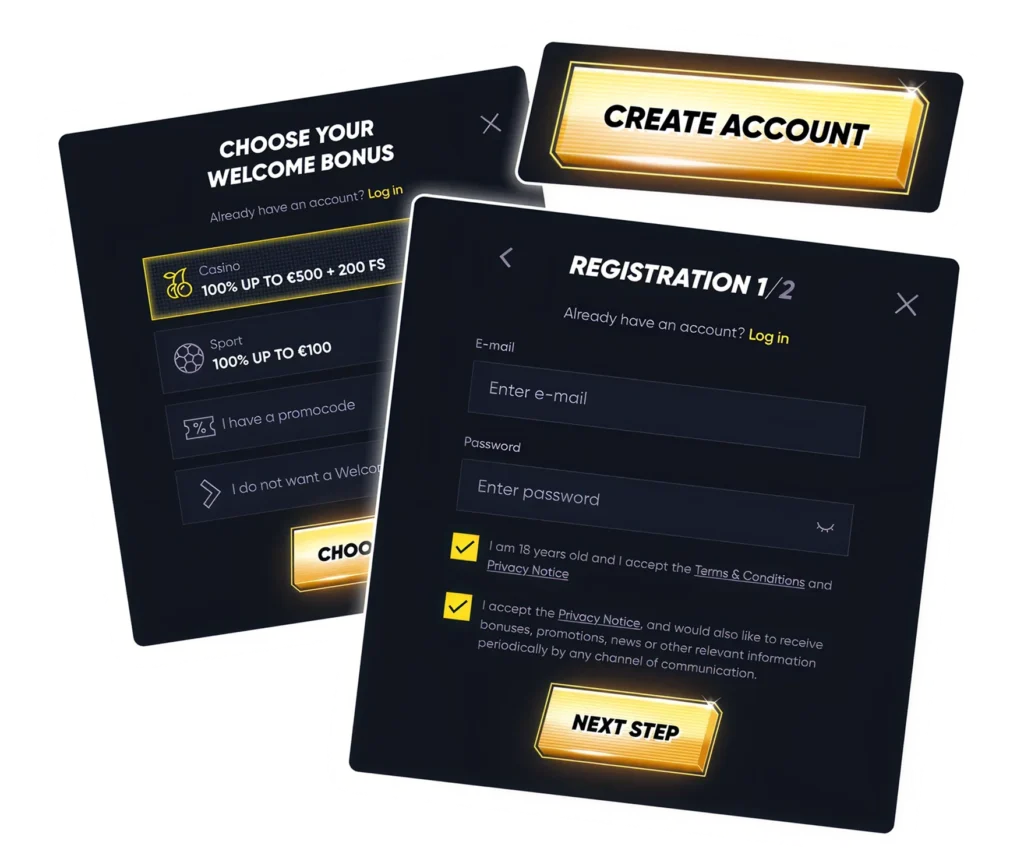
Players who already have an account can sign in straight away using the credentials they created at registration. If you are new here, you will need to set up an account before you can access any features — registration only takes a few minutes and we walk you through every step further down this page.
It is worth noting that the login area is far more than just a front door. Once you are in, it connects you to everything: your deposit and withdrawal tools, your Quickwin bonuses, your personal profile, and the full Quickwin games library. Think of signing in as the first step toward the whole platform experience, not just a gateway to a dashboard.

What This Guide Covers and Why It Matters
We built this guide to go further than the average login page. Most players arrive here with a specific problem to solve — whether that is a forgotten password, a locked account, or simply not knowing where to begin as a new user. Our aim is to answer those questions in plain language so you can get moving quickly without needing to contact support for something basic.
Here is what you will find on this page:
- How the Quickwin sign up process works and what to expect
- Which personal details are required to create an account
- What to do if you forget your password or lose access
- What features become available once you are logged in
- How to sign in using your email address or username and password
Creating a New Account: Your Step-by-Step Sign Up Guide
If you are yet to register, getting started is straightforward. Head to our official website, find the registration button — usually visible in the top section of the homepage — and work through the account creation form. You will be asked to pick your login credentials, fill in your personal details, and accept our platform terms before your account goes live.
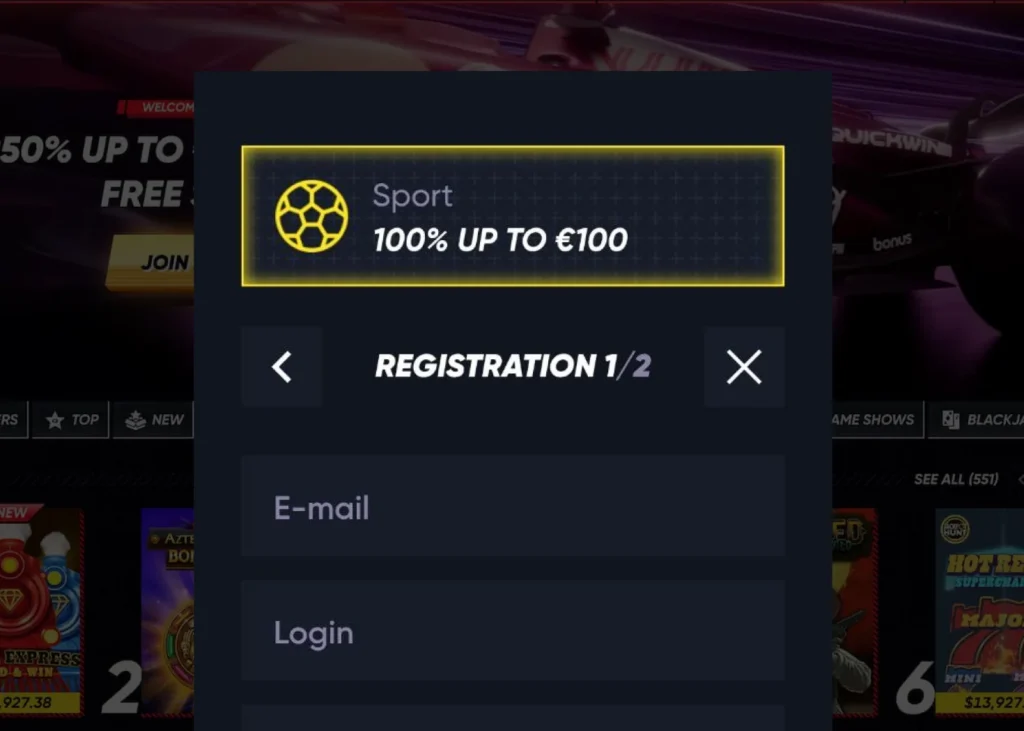
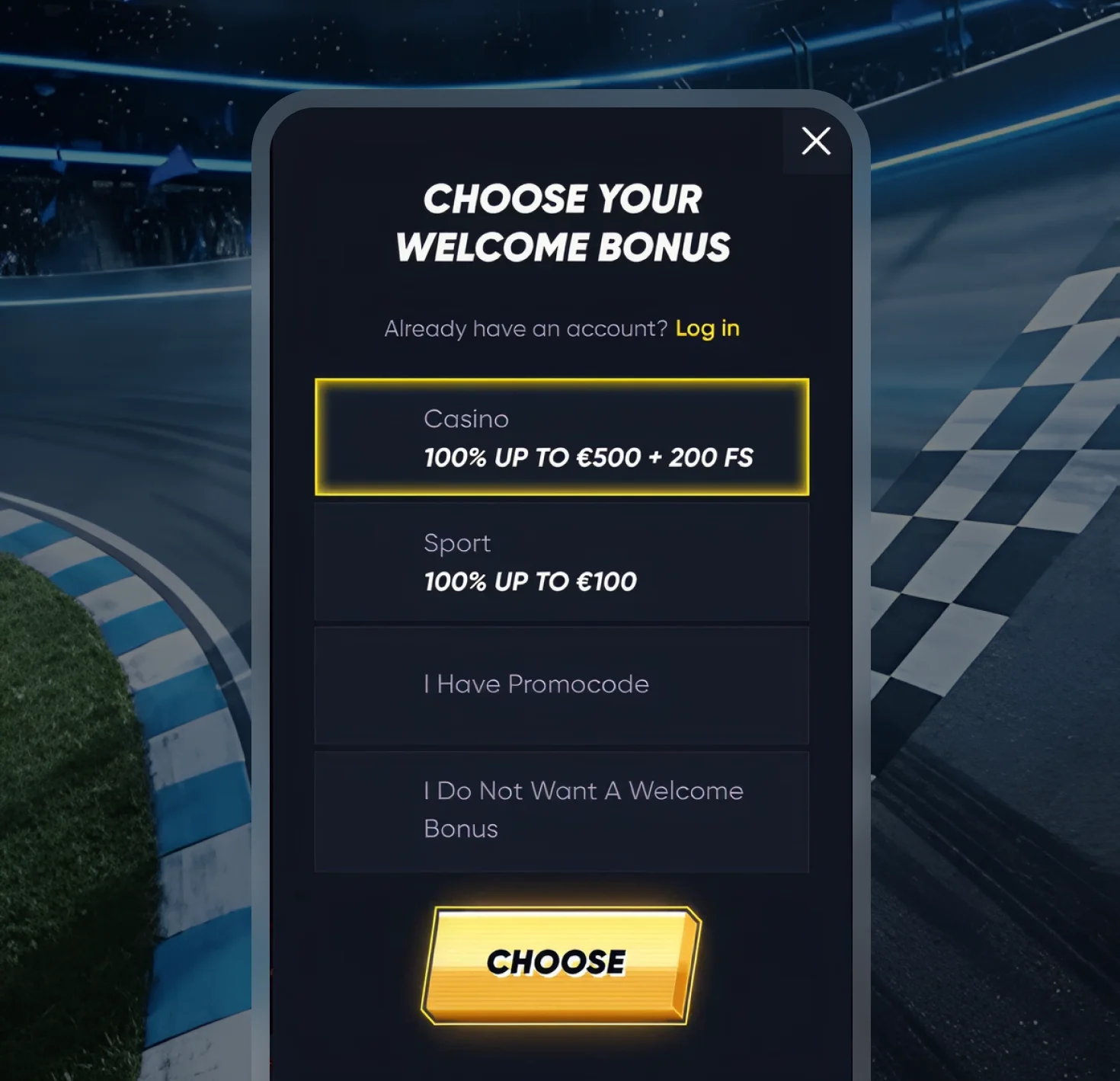
During the sign up process, you may be presented with the option to activate a welcome offer. This is entirely your choice — some players prefer to claim a bonus at registration, while others would rather explore promotions once they are settled in. Either way, you can always revisit the offers section from within your account.
What Information Is Required at Registration
To open an account, you will need to provide a standard set of personal details. Having these ready before you start will make the process faster. Typically, you will be asked for:

Email address, chosen username, and a secure password

Your full legal name and date of birth

Residential address and phone number

Country of residence
These details are used not just to create your account but also to handle compliance checks, process payments, and support any verification requests that come up later. Accuracy here matters — information that does not match your documents can cause delays further down the line.
Logging Into Your Existing Account
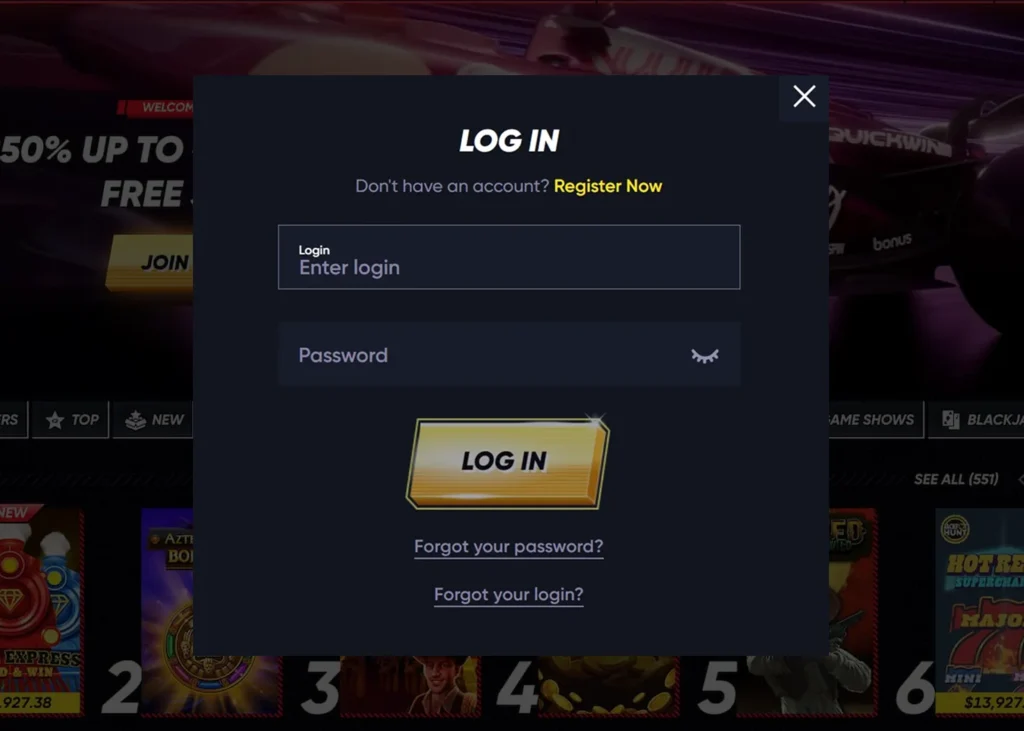
- Open the official website in your preferred browser
- Locate the login button at the top of the page
- Type in the email address or username linked to your account
- Enter your password — check for typos before submitting
- Confirm the sign-in and you will be taken to your account dashboard
Registering if You Are New to the Platform
- Go to the official site and click the register or sign up button
- Complete the registration form with your accurate personal details
- Set a username and a strong password, then confirm your information
- Read and accept the terms and conditions, then complete any confirmation step required
- After registration, use the login area to sign in and begin setting up your profile, making a deposit, or browsing games
What Can You Access Once You Are Signed In
Getting into your account opens up the full range of platform features. We want the post-login experience to feel intuitive, so here is a quick overview of what you can do from your dashboard:

Update your personal profile and account preferences
Make deposits or request withdrawals through the payments section
Activate bonuses and keep track of ongoing promotions
Browse and play casino games across all available categories
Reach our customer support team via live chat or other available channels
Everything is designed to be accessible in a few clicks. If you ever feel lost after signing in, the account menu or help section is the best place to start.
Mobile Login: Signing In From Your Phone or Tablet
A growing number of players access their accounts from a mobile device, and we have made sure the experience is just as smooth on a smaller screen. You do not need to download anything to get started — simply open your mobile browser, visit our official website, and tap the login button. Enter your credentials exactly as you would on a desktop and you will be in.
If a dedicated app is available for your device, you can also log in through that route. Whether you choose the browser version or the app, always make sure you are on our official site before entering any account details. This is especially important on mobile, where phishing sites can be harder to spot.
Having Trouble Signing In? Common Problems and How to Fix Them
Login issues are among the most common reasons players reach out for help. The good news is that most problems have a simple explanation and an easy fix. The table below covers the situations we see most often:

Password not accepted
Most Likely Cause
Typo or saved credentials out of date
What to Do
Re-enter carefully or use the reset function
Email or username not recognised
Most Likely Cause
Wrong login detail entered
What to Do
Check the details used during registration

Account temporarily locked
Most Likely Cause
Too many incorrect attempts in a row
What to Do
Wait a short while, then try again or contact support

Signed in but cannot proceed
Most Likely Cause
Pending verification or account review
What to Do
Check your account notifications or contact support
How to Reset Your Password and Recover Account Access
If you cannot remember your password, the quickest route back in is the password reset option. Click the forgotten password link on the login page, follow the steps, and check your email for a reset link. Once you have set a new password, you should be able to sign in straight away.
If resetting your password does not resolve the issue — for example, if your account appears to be under review — our support team can look into it and help restore access. In those cases, having your registration details to hand will speed things up.

Account Security, Verification, and Staying Safe
Keeping your account safe is something we take seriously, and there are a few habits worth building from the start. Every time you sign in, make sure you are using our official website. Avoid saving your password in shared or public devices, and never share your login credentials with anyone else.
A few practical tips for safer account access:
- Always access your account through the official website
- Keep your password, username, and email address private
- Use the password reset function rather than guessing repeatedly
- Enter your personal details accurately during registration — they will be checked at verification
- Contact support promptly if you notice anything unusual with your account
Understanding Account Verification
Verification is the process by which we confirm your identity, and it usually becomes relevant once you start making withdrawals or if our compliance checks flag a review. At that point, you may be asked to submit a copy of a government-issued ID, proof of address, or payment method documentation.
The important thing to understand is that the details you provide during registration need to match your documents exactly. A mismatch in your name, date of birth, or address is one of the most common causes of delays at this stage. Getting those details right from the beginning makes the whole process much smoother when the time comes.
Quickwin an Internation Platform
We are open to players from across Europe, and Quickwin for German players comes with dedicated support to make the experience as smooth as possible. That includes localized payment options that are widely used in the German market, German-language assistance from our support team, and information tailored to players based in Germany. If you have any questions about how the platform works in your region — whether that relates to account access, licensing, or deposits and withdrawals — our team is on hand to help.
Frequently Asked Questions
- How do I sign in to my account?
 Visit our official website and click the login button. Enter the email address or username you registered with, followed by your password. Once the details are confirmed, you will land on your account dashboard where you can manage all account features.
 - How do I create a new account?Click the register or sign up button on our homepage and complete the account form with your personal details. Choose a username and password, agree to the platform terms, and confirm your registration. You can then sign in straight away through the login area.
- What details do I need to register?You will typically need to provide your email address, a chosen username and password, your full legal name, date of birth, residential address, phone number, and country of residence. These are standard requirements for any regulated online casino account.
- My login is not working — what should I do?Start by checking that you have entered your email or username and password correctly. If the details look right but the login is still failing, use the password reset function. If your account has been temporarily locked after several failed attempts, wait a few minutes before trying again. For issues that persist, reach out to our support team.
- Can I use the mobile login without downloading an app?Yes. Our site is accessible through any mobile browser, so you can sign in without downloading anything. Just open our official website on your phone or tablet and use your usual credentials. If a dedicated app is available, that option is there too, but it is not required.
- Why is verification important?Verification allows us to confirm that account holders are who they say they are, which is a standard requirement in regulated online gaming. It most commonly comes into play when you request a withdrawal. Providing accurate personal details at registration means the verification process is straightforward and delays are far less likely.